
Security headers are a handful of lines your server sends alongside every page. They cost nothing, they are invisible to visitors, and they decide whether a browser will execute an injected script, allow your site to be framed by someone else, or announce which version of your web stack is running.
The headers check needs no proof of ownership — these are sent to anyone who requests the page. It reads one page, over HTTPS, or over plain HTTP when the address you added starts with http://.
The ones that stop an attack
Content-Security-Policy is the important one and the hardest to get right. It tells the browser which sources of script, style, image and frame are legitimate, so that a script injected through some other flaw simply does not run. A policy with unsafe-inline in it is doing much less than its presence suggests — a header being present is not proof it works. The headers check reports what you send; the Web App Scan reads what your policy actually says, on every page it crawls.
HSTS tells browsers to use HTTPS for your domain and never try plain HTTP again, closing the window where a first request can be intercepted and downgraded.
X-Frame-Options — and its modern replacement, the frame-ancestors directive in CSP — stops your pages being loaded inside somebody else's frame, which is the mechanism behind clickjacking.
X-Content-Type-Options: nosniff stops the browser second-guessing the content type you declared, which is how an uploaded file that claims to be an image ends up executed as script.
The ones that limit the damage
Referrer-Policy controls how much of the current URL is handed to the next site — which matters when your URLs contain identifiers, tokens or anything else you would not put on a postcard.
Permissions-Policy switches off browser features the page has no business using: camera, microphone, geolocation.
Cross-origin isolation headers govern how your page may be embedded and what it may share with other origins.
The ones that should not be there at all
Plenty of servers volunteer their software and version in Server, X-Powered-By or a framework header. None of that helps a visitor. It does help somebody deciding which exploit to try first, and it turns a general scan of the internet into a targeted one. The check flags headers that disclose versions, along with deprecated headers that modern browsers ignore but which give a false sense of coverage.
What you get
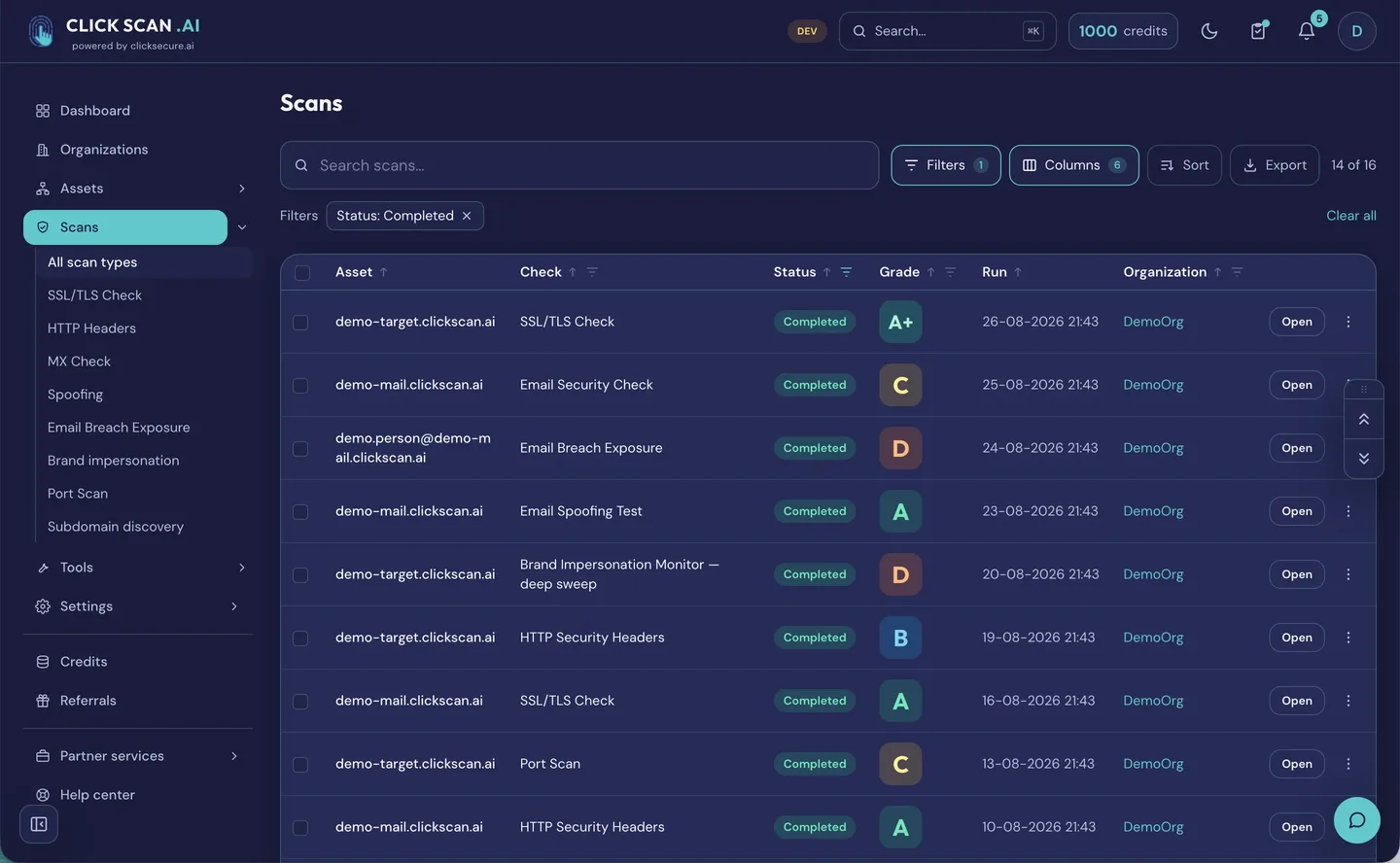
Every header present, missing or in the wrong state, with a grade from A to F — all six core headers present is an A, and there is no A+ — and a plain-language finding saying what each one does and what to set. A site served over plain HTTP is graded D at most, however many headers it sends: there is no Strict-Transport-Security to read there — browsers ignore it over HTTP — and a High finding saying the site is not encrypted comes first. If your site runs on a non-standard port, the check takes one.
Run it free: every new account gets starter credits. Start at app.clickscan.ai, or see everything ClickScan.AI checks.