Sample reports

Real ClickScan.AI reports, produced by the same engine that writes yours, for a fictional company: Harbourline Logistics, on harbourline.example, a domain reserved for examples. Open one in your browser or download it. No sign-up needed.

For management

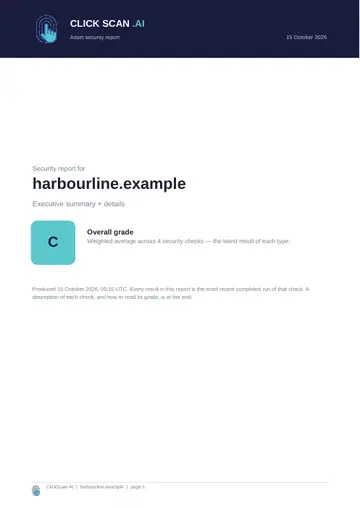
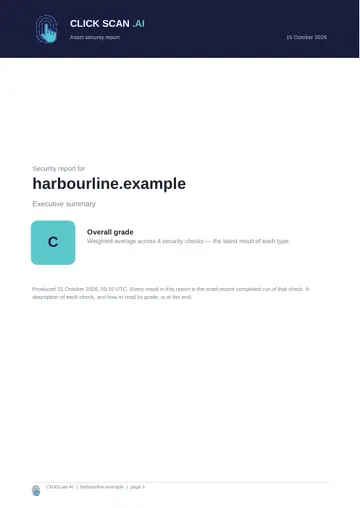
First page of the sample Asset report: executive summary

Asset report: executive summary

For directors, clients and auditors who want the verdict, not the working.

PDF · 10 pages · English

  • One asset, harbourline.example, graded C across four checks: web application scan, SSL/TLS, email security and HTTP security headers
  • How many controls passed, need attention, failed or were not checked
  • A “what to deal with first” list, most severe first
  • Every finding in plain language, with what to do about it, and no requests or technical tables
For a whole organization

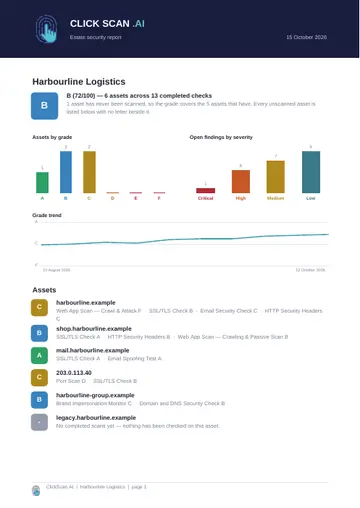
First page of the sample Organization report

Organization report

For an MSP’s client, or a company with several domains and servers.

PDF · 2 pages · English

  • Six assets with an overall grade of B, and the one asset never scanned flagged rather than hidden
  • Charts: assets by grade, findings by severity, and a 10-week grade trend
  • The 12 most serious findings across all assets, each naming its asset

For whoever does the fixing

First page of the sample Asset report: full, with technical detail

Asset report: full, with technical detail

The same asset, with all the evidence, for whoever does the fixing.

PDF · 18 pages · English

  • Everything in the executive summary
  • The full controls table: 62 controls, each with what we saw, including the ones that passed
  • A “For technical readers” note on every finding, and the request and response behind each web application finding
  • Each check’s technical detail: the certificate and accepted ciphers, named TLS weaknesses tested, email records with the raw DNS answers, and the web application crawl coverage
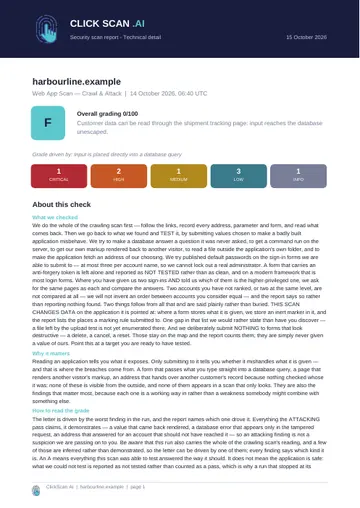
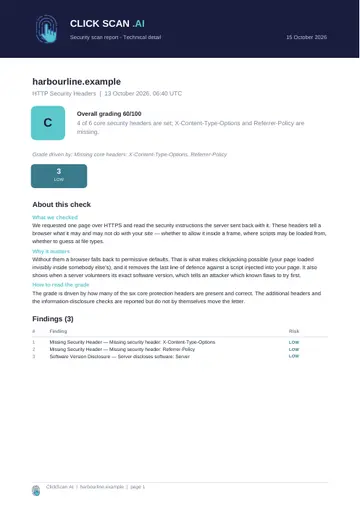
First page of the sample Web App Scan: technical report

Web App Scan: technical report

One check, the way a developer reads it.

PDF · 5 pages · English

  • A Crawl & Attack scan graded F, with 8 findings
  • SQL injection proved with both requests: one with a quote added, which returns a database error, and the same request without it
  • Reflected cross-site scripting with its proof, a browsable uploads folder, a content policy that allows inline script, and cookie and header issues
  • The crawl coverage: 164 of 212 addresses fetched, and why the rest were not
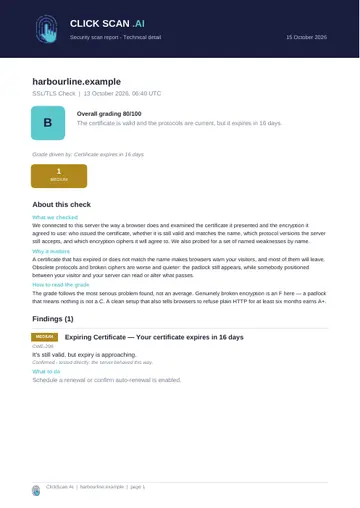
First page of the sample SSL/TLS Check: technical report

SSL/TLS Check: technical report

The encryption and certificate side of the same site.

PDF · 3 pages · English

  • Graded B, because the certificate expires in 16 days
  • Certificate details: issuer, validity dates, the names it covers, key and signature
  • Protocol support and the accepted cipher suites, each marked strong or weak
  • Named weaknesses each tested and shown as not vulnerable: Heartbleed, ROBOT, POODLE, DROWN, CRIME, Logjam and others
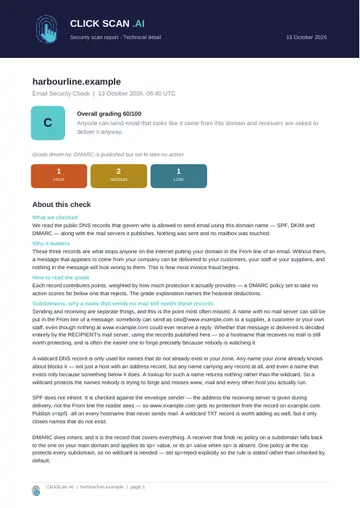
First page of the sample Email Security Check: technical report

Email Security Check: technical report

Who can send email pretending to be you.

PDF · 4 pages · English

  • Graded C, with four findings: DMARC policy set to “none”, SPF soft fail, no MTA-STS, no TLS-RPT
  • The mail servers, and each record (SPF, DKIM, DMARC, MTA-STS, TLS-RPT, BIMI) with its status
  • The raw DNS answers, so an administrator can check every claim
  • A short reference explaining what each standard does

Every report is in English, as the app produces it. Once you have bought credits, your own logo and colour can replace ours on the PDFs (white-label).

Get a report on your own domain

Sign up with your email and run your first checks with free credits.

Start free Price simulator