
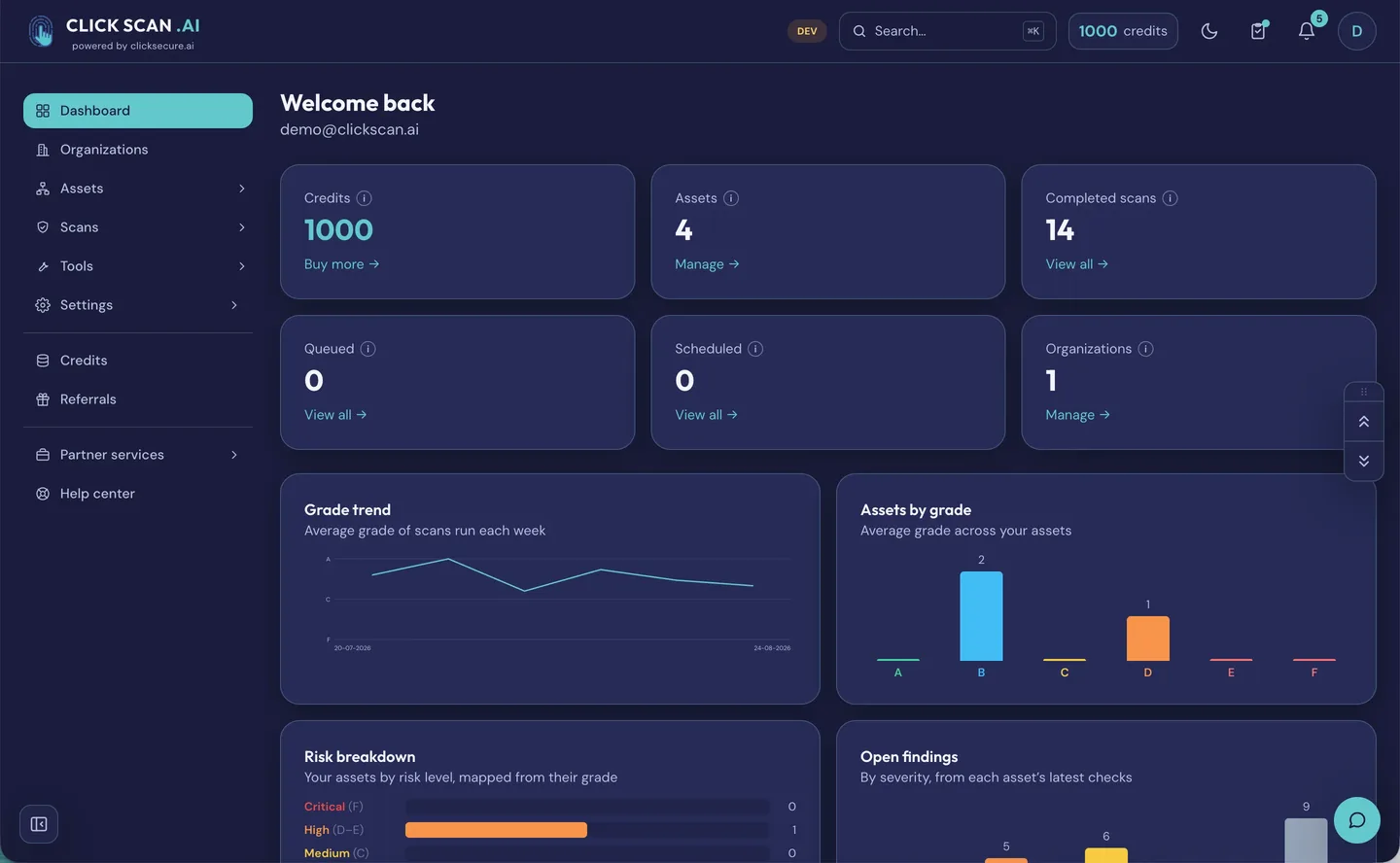
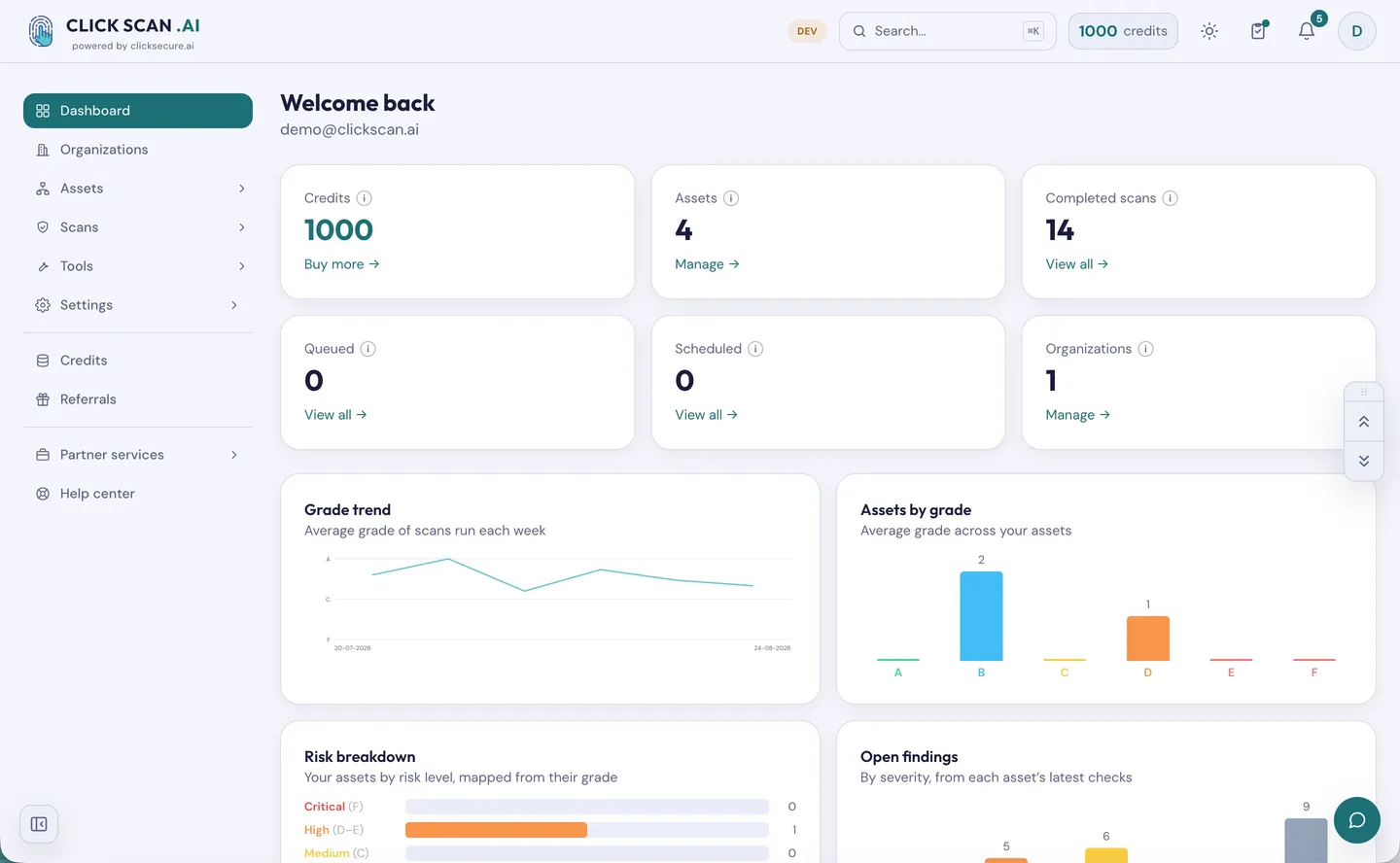
Anyone can point a scanner at a client domain. The work is turning what comes back into something a client will read, believe, and act on — and doing that for the twelfth client of the month without it becoming a second job.
ClickScan.AI is now open in beta, to everyone, with no invitation and no waiting list. It runs external security checks and writes the result the way you would want to hand it over.
What it checks
SSL/TLS certificates and encryption, HTTP security headers, email authentication (SPF, DKIM, DMARC, MTA-STS, TLS-RPT and BIMI), a live spoofing test, email breach exposure, the Brand Impersonation Monitor and its deep sweep, a port scan and its full-range tier, subdomain discovery and its deep sweep, the Domain and DNS Security Check, and the Web App Scan — Crawling & Passive Scan, or Crawl & Attack, each in three sizes.
Every check is graded A+ to F, and every finding says what was found, how serious it is and how to fix it — most leading with the standard name of the weakness, such as Missing Forward Secrecy, and each saying how we know it: confirmed, tested directly, or inferred from published records or response headers.
The port scan, the live spoofing test, the breach lookup and every Web App Scan need the asset proven yours first — by a DNS TXT record, a file at /.well-known/, a code emailed to an address at the domain, a callback from the IP, or reverse DNS. That is not a licensing tier; it is the line between reading what is published and touching a host.
What is built for partners
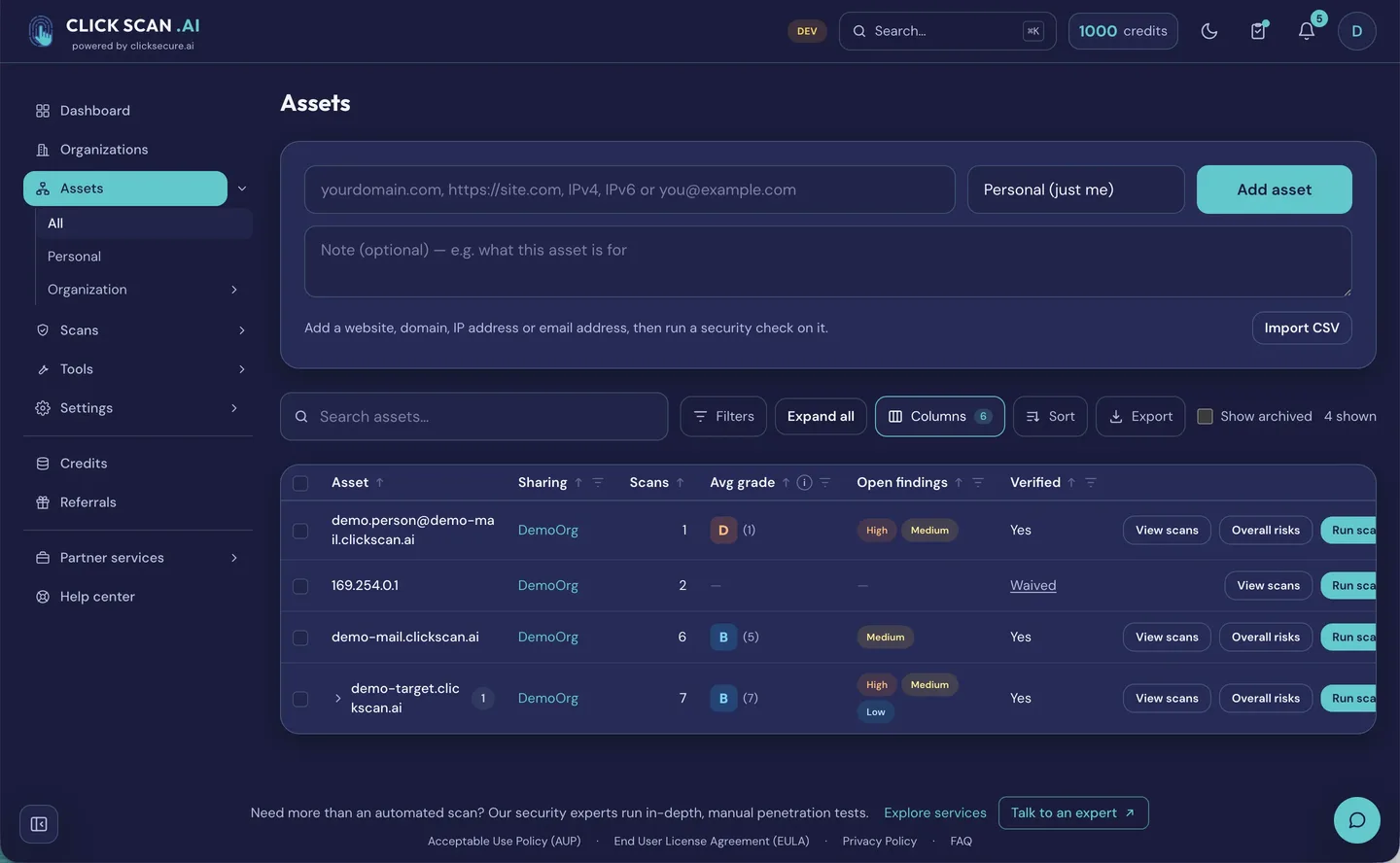
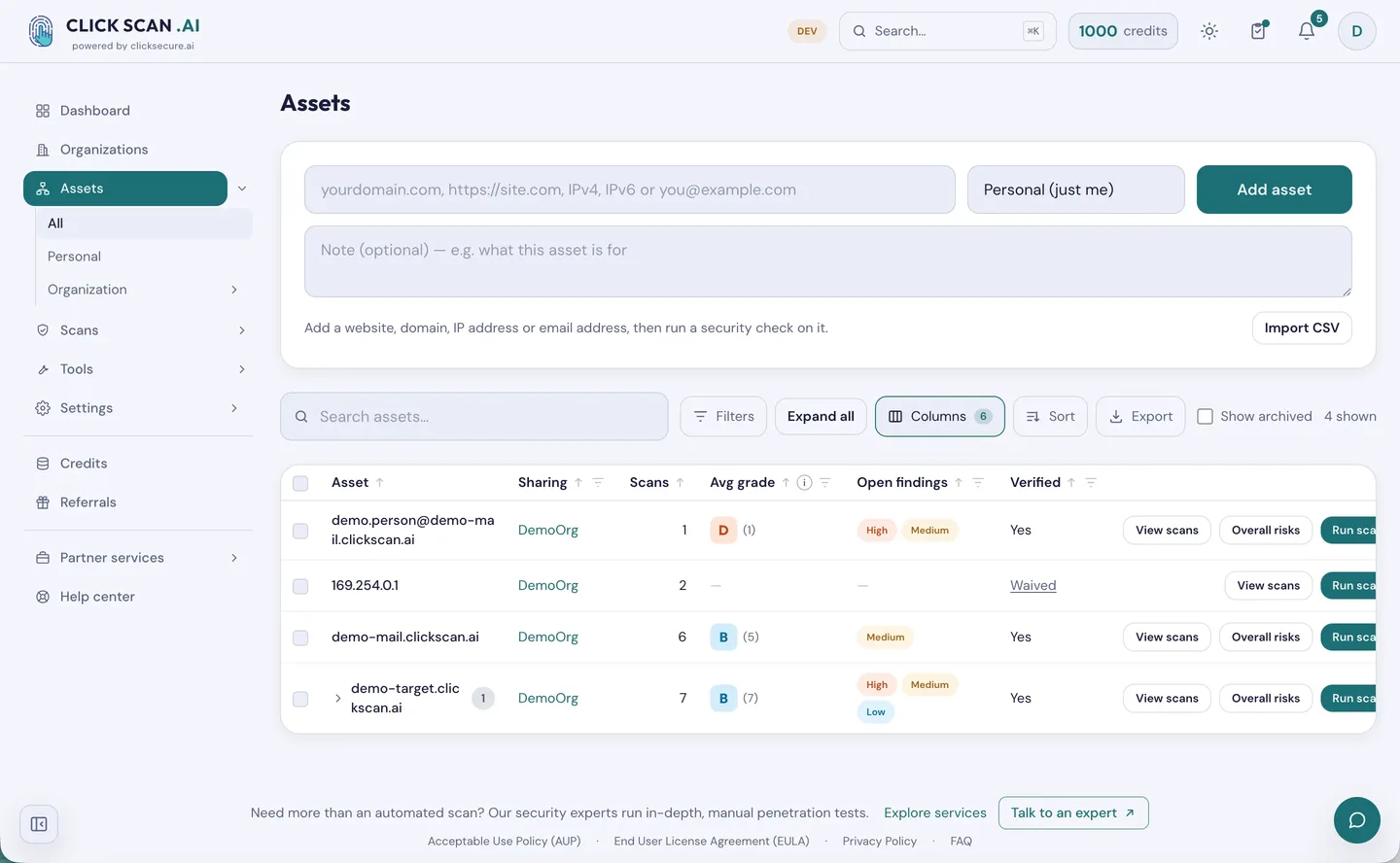
One organization per client. Assets, scans, reports, history and schedules are separated per client, with four roles — owner, admin, member, viewer. An asset can move between organizations without losing its history, and an owner can fund a named member's scans so a client's own analyst can work without a card of their own. There is no per-seat charge, so adding analysts costs nothing.
Your brand on the deliverable. Logo and colour on the downloadable PDF reports, available once you have bought credits, set per client organization by an owner or admin, and reviewed before it prints. What is branded is the PDF the client reads, which still carries a small "powered by ClickScan.AI" line in its footer — the application, its domain and its notifications stay ClickScan.AI, and we would rather say so plainly than let a partner discover it during a handover.
Scheduling and change detection. Scans run on demand, booked for a date, a time and a time zone up to a year ahead, or repeated daily, weekly or monthly — and recurring runs can be cheaper, since some checks carry a recurring discount. Each run is compared with the previous run of the same check on that asset, and when a scheduled or recurring scan finds a new issue, resolves one or moves the grade, you get one email listing every asset that changed; when nothing changed, you are not told. A scheduled summary — monthly by default, or weekly — adds up the counts: coverage, open findings by severity, how grades are spread and how they moved.
Two rules about the grade
Anything a third party observed rather than ClickScan.AI is shown in the report — it is what an attacker learns for free — but it is never allowed to move your grade, and it is never counted among your own findings.
And when our reference data is out of date, ClickScan.AI says so. Subdomain discovery decides whether a host sits behind a filtering service by comparing it against the addresses each provider publishes; if our copy of those lists is old, or we do not have one, it says so and makes no claim rather than guessing.
Try it on one client
Every new account gets free starter credits. The cheapest checks run on a client domain more than once before you have spent anything, and most of them need no ownership proof at all. Reports display in full on screen on a free account; downloading one as a PDF is a paying-account feature.
Pay-as-you-go credits. No subscription, no per-seat fee. Credits you buy never expire; free credits last twelve months and are spent first. A scan that fails is refunded, and a check with nothing to test is graded "not applicable" and refunded too. Sign-in is passwordless: a one-time code to your email address, and no card is needed to start. Prices are shown in the app before you pay; partner terms are agreed separately.
Start free at app.clickscan.ai. The detail for partners is at clickscan.ai/for-msps/, and the brochure, proposed partner terms, a sample branded report and a pricing calculator are sent on request.