
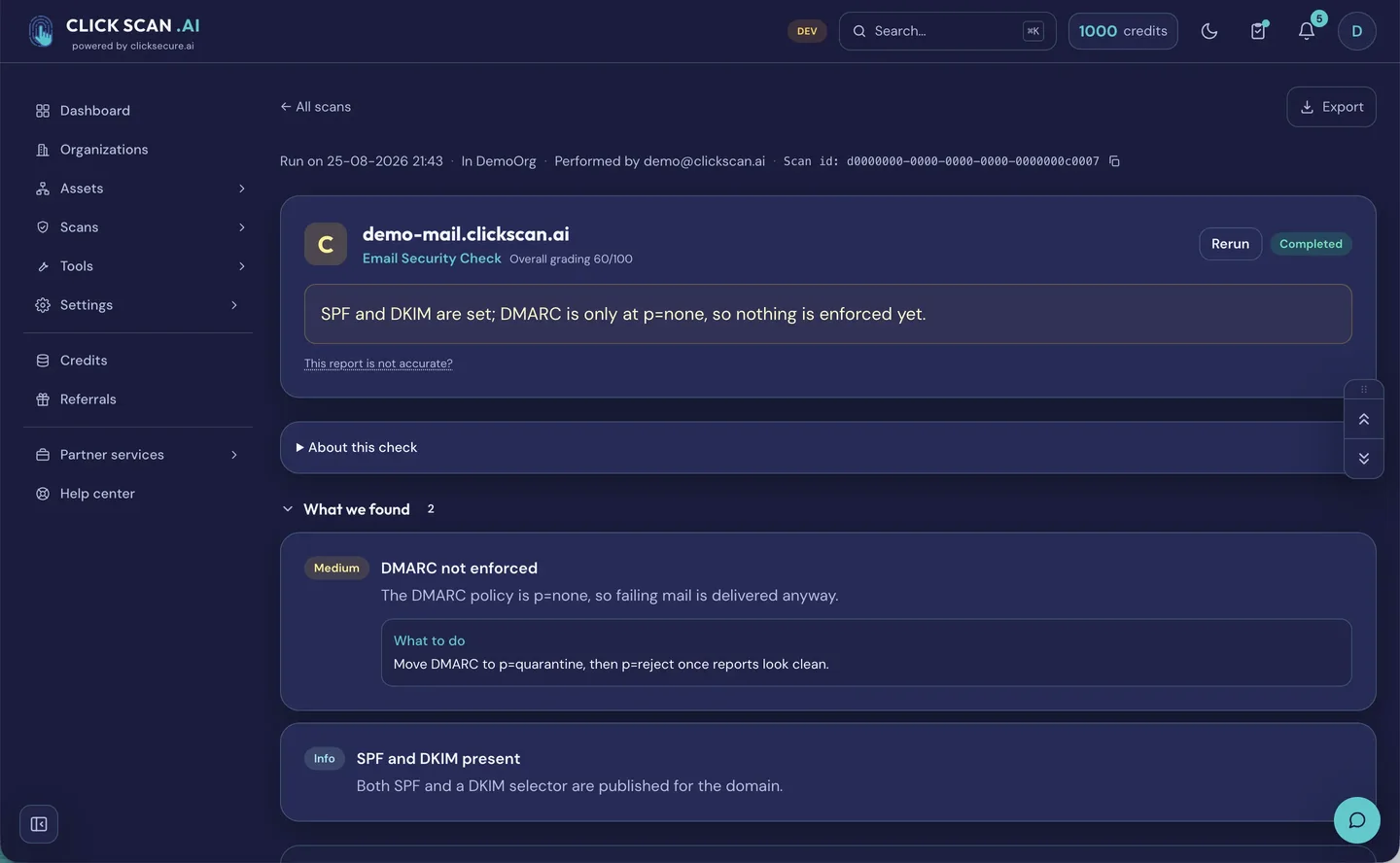
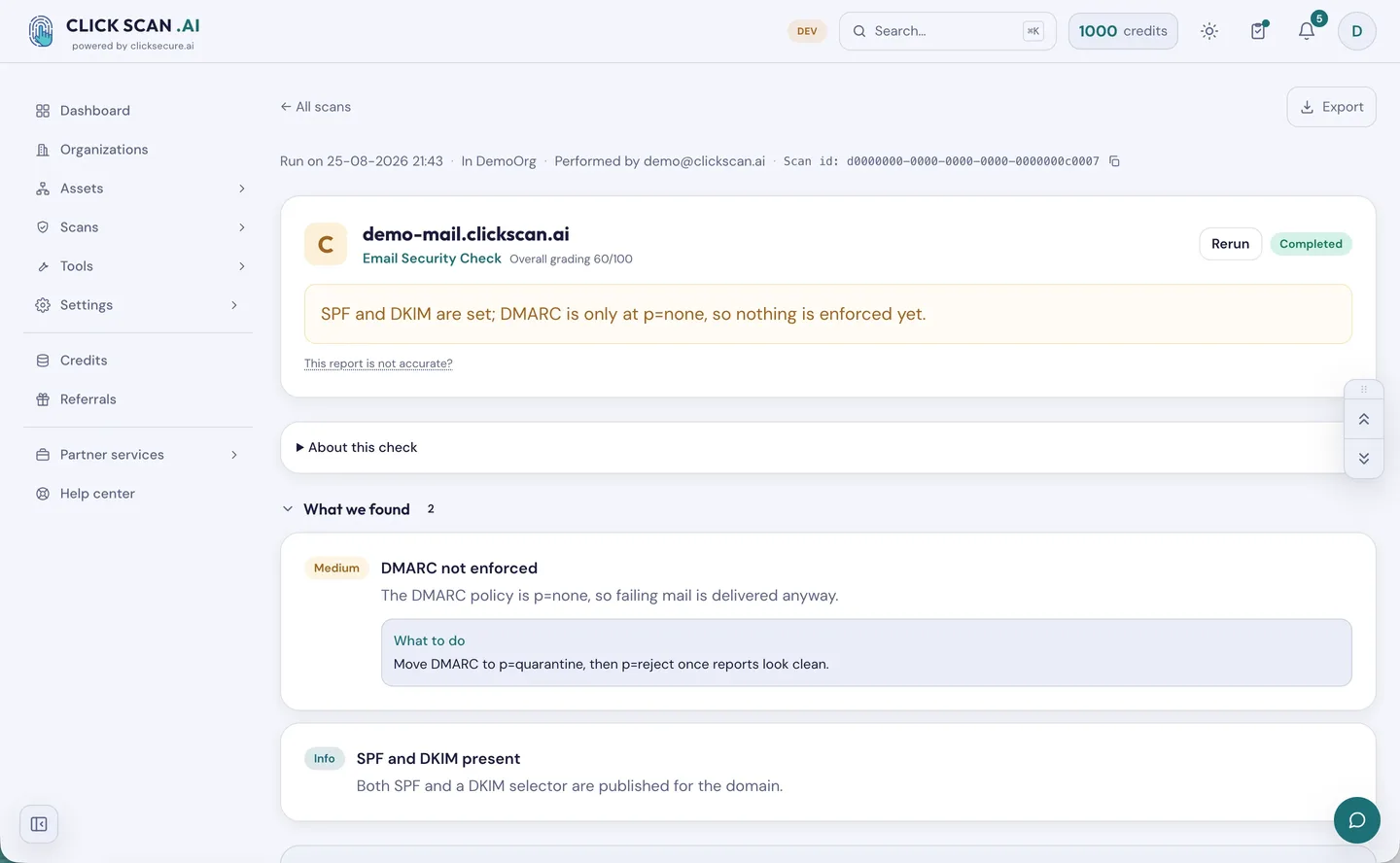
Most organisations can list their main website.
Far fewer can list the staging site a contractor put up in 2023, the old mail gateway, the subdomain still pointing at a cloud service the company stopped paying for — or whether somebody can forge an email that appears to come from the finance team.
That gap is the attack surface, and it is where a lot of incidents start. ClickScan.AI is now open in beta, to everyone, with no invitation and no waiting list.
What it checks
SSL/TLS certificates and encryption, HTTP security headers, email authentication (SPF, DKIM, DMARC, MTA-STS, TLS-RPT and BIMI), a live spoofing test, email breach exposure, the Brand Impersonation Monitor and its deep sweep, a port scan and its full-range tier, subdomain discovery and its deep sweep, the Domain and DNS Security Check, and the Web App Scan — Crawling & Passive Scan, or Crawl & Attack, each in three sizes.
Two are worth calling out.
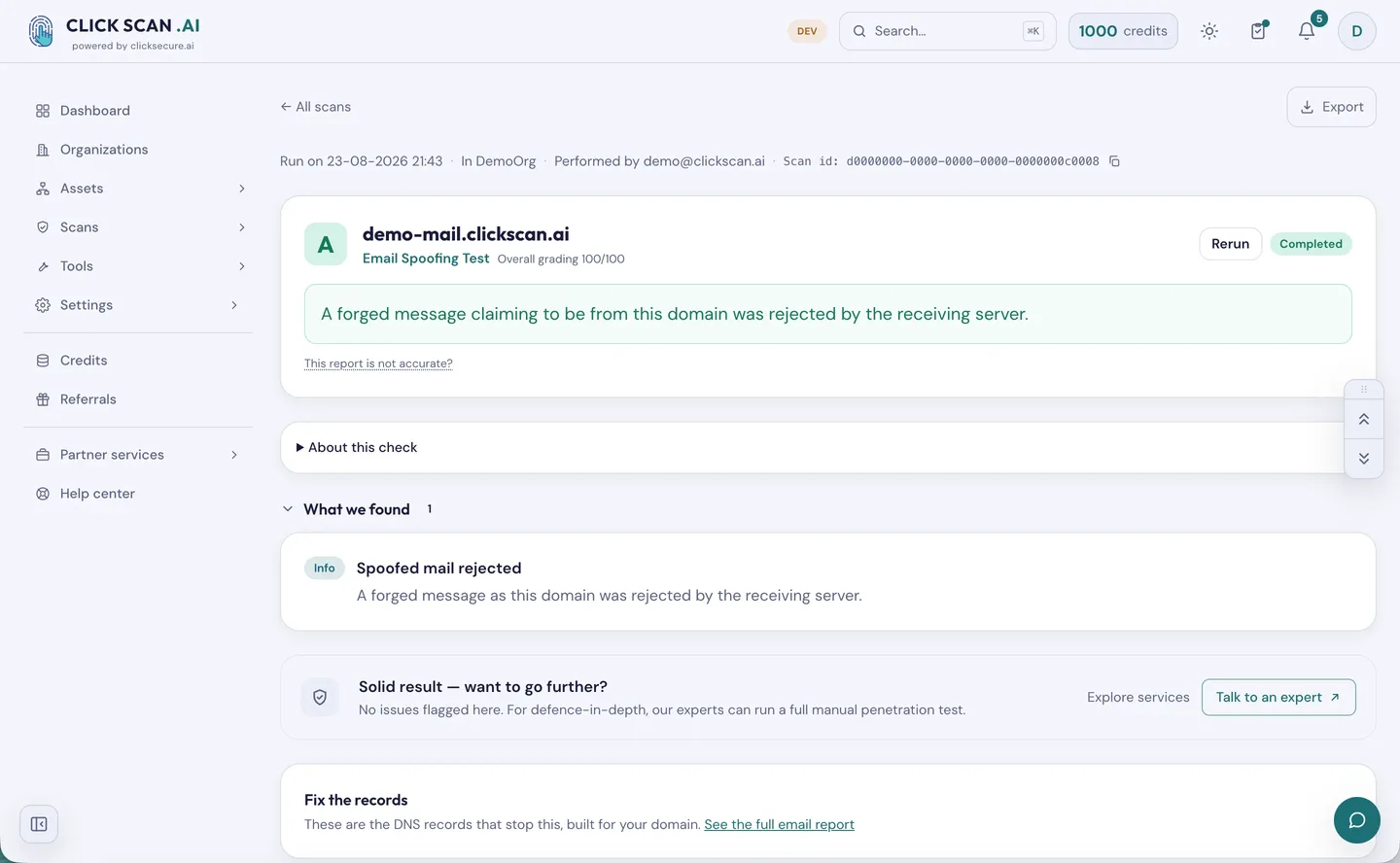
The spoofing test does not read your DMARC record and infer an answer. It delivers an actual forged message to the domain under test and reports what happened — and a refusal at the recipient step, such as an address that does not exist, is reported as inconclusive and graded C, never as a pass.
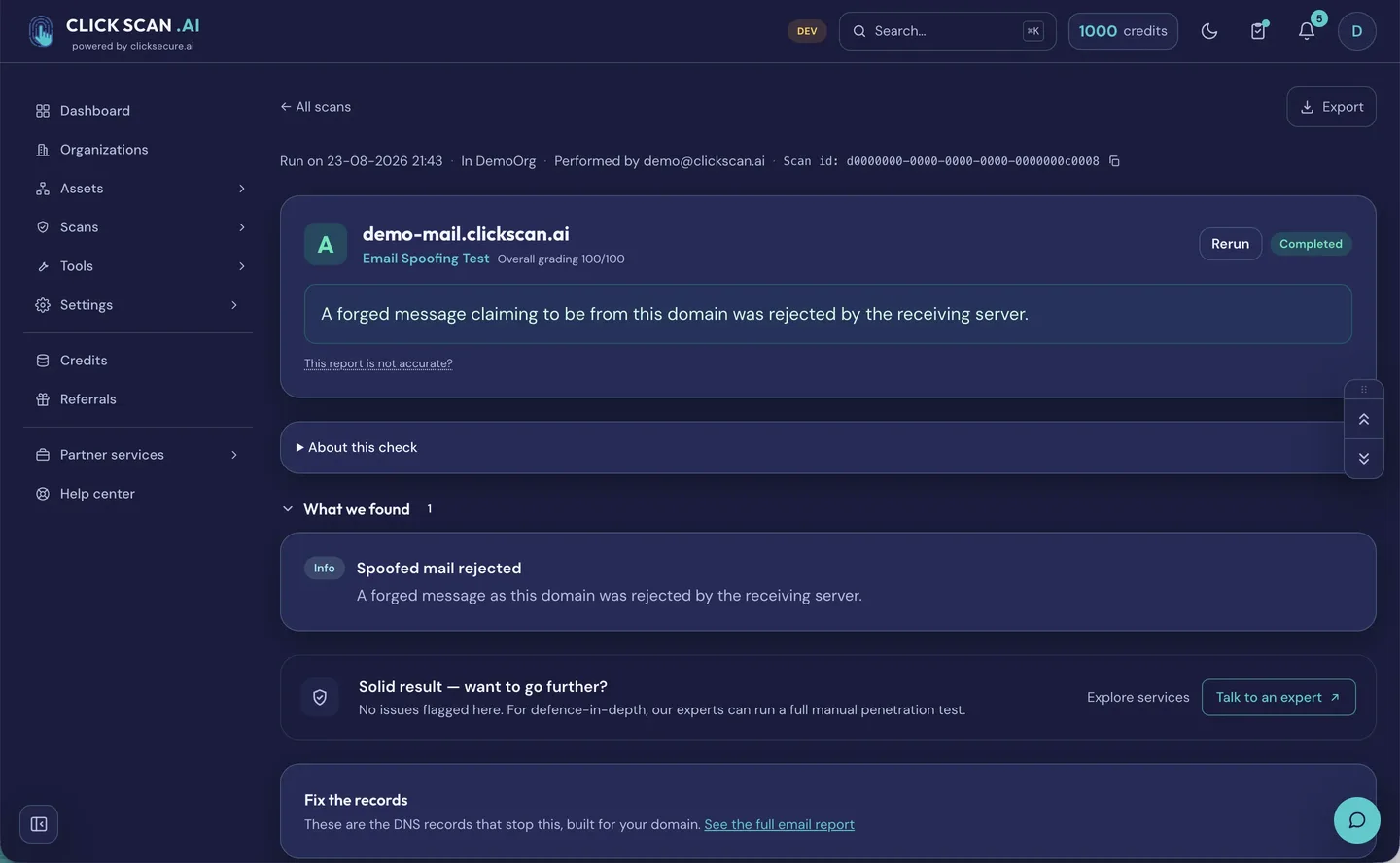
Subdomain discovery finds the names still pointing at a cloud service nobody pays for any more — the ones anybody can claim. It also establishes whether a domain is served through a filtering service and names the hosts answering on their own address around it, which is a way in that skips the protection you are paying for.
The port scan, the live spoofing test, the breach lookup and every Web App Scan need the asset proven yours first — by a DNS TXT record, a file at /.well-known/, a code emailed to an address at the domain, a callback from the IP, or reverse DNS.
Written to be forwarded
Every check is graded A+ to F, and every finding says what was found, how serious it is and how to fix it — most leading with the standard name of the weakness, such as Missing Forward Secrecy, and each saying how we know it: confirmed, tested directly, or inferred from published records or response headers.
The email report also gives you, for each thing that is missing, the exact record to paste into your DNS provider, already filled in with your domain — DKIM aside, where you get the name and the shape and your mail provider gives you the key. The same builder is the DNS record generator on the app's Tools page, which writes SPF, DKIM, DMARC, MTA-STS, TLS-RPT and BIMI records for any domain; it runs in the browser and needs no scan first.
For every asset whose latest SSL/TLS check finished in the last 90 days, you are warned 30, 7 and 1 days before its certificate expires, and again once it has — in the app each time, and by email at 7 days, at 1 day and on expiry. No schedule is needed.
Between consecutive runs of the same check on the same asset, change detection reports what moved, and a scheduled or recurring scan emails you only when something did — one email listing every asset that changed. A finding that genuinely does not apply to you can be marked as such, with a reason and an expiry: it is suppressed from that asset's reports, the report says how many were left out, and the grade does not change.
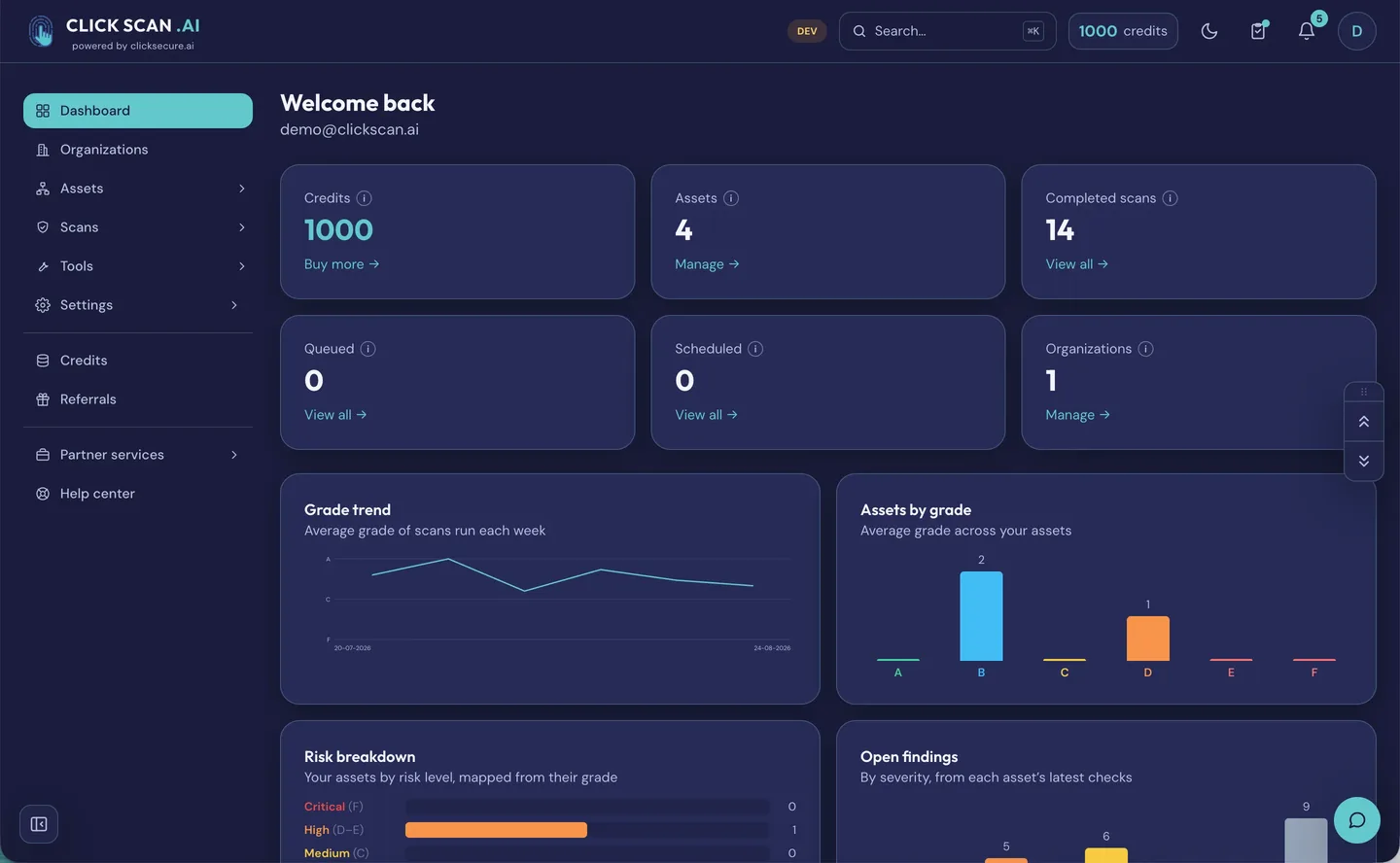
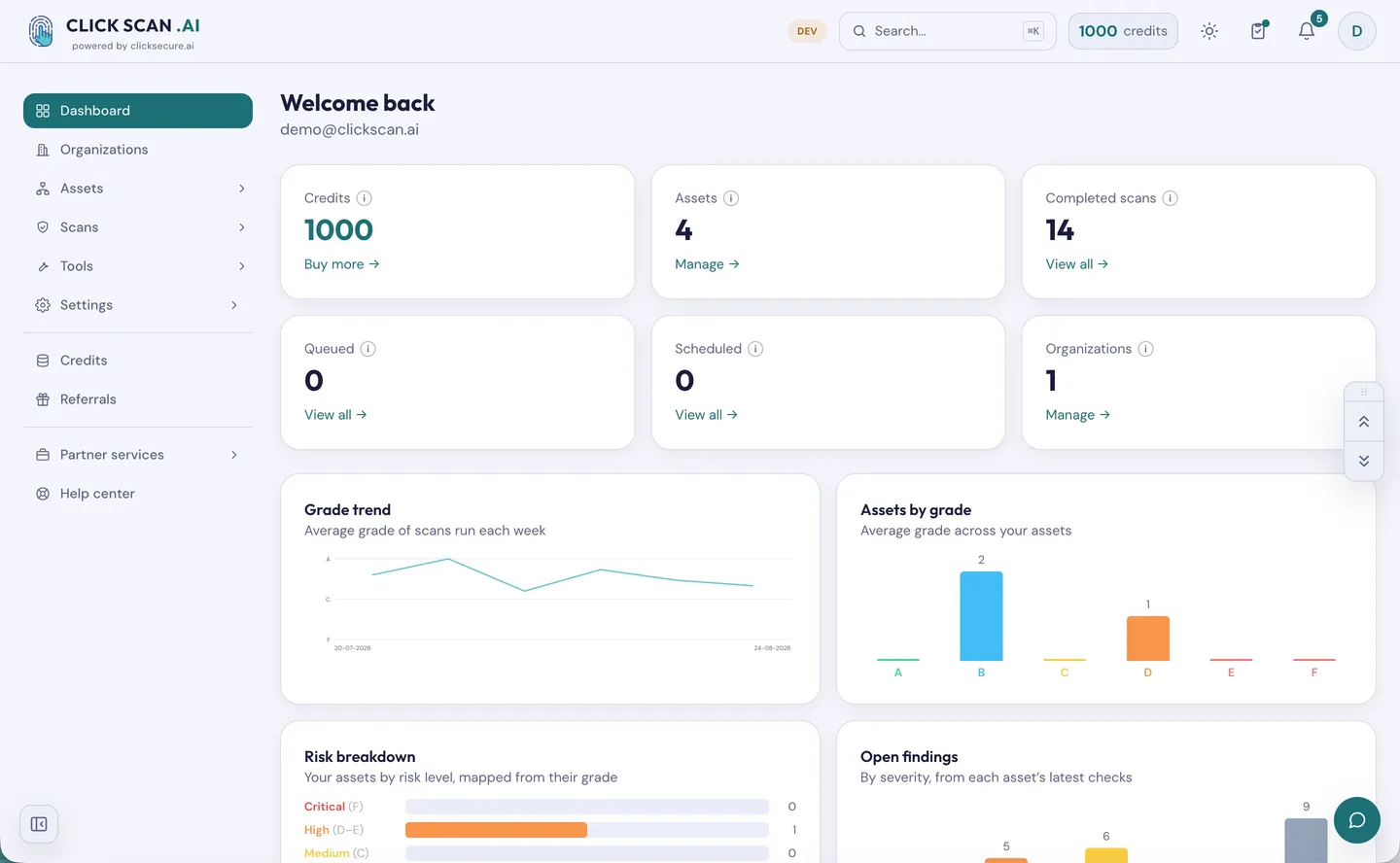
The dashboard tracks your assets' grade spread, what needs attention, coverage, and the grade trend over time — which is the view management asks for, and the PDF export is the one you hand to an auditor.
Two rules about the grade
Anything a third party observed rather than ClickScan.AI is shown in the report — it is what an attacker learns for free — but it is never allowed to move your grade, and it is never counted among your own findings.
And when our reference data is out of date, ClickScan.AI says so: subdomain discovery compares hosts against the addresses each filtering provider publishes, and if our copy of those lists is old or missing, it says so and makes no claim rather than guessing.
What you can run for nothing
Every new account gets free starter credits. The cheapest checks run on your domain more than once before you have spent anything. Most of the checks need no ownership proof at all. Reports display in full on screen on a free account; downloading one as a PDF is a paying-account feature.
What it costs after that
Pay-as-you-go credits. No subscription, no per-seat fee. Credits you buy never expire; free credits last twelve months and are spent first. A scan that fails is refunded, and a check with nothing to test is graded "not applicable" and refunded too. Sign-in is passwordless: a one-time code to your email address, and no card is needed to start. Prices are shown in the app before you pay.
Start free at app.clickscan.ai. The detail is at clickscan.ai/for-smes/.